DOWNLOAD TRAINER

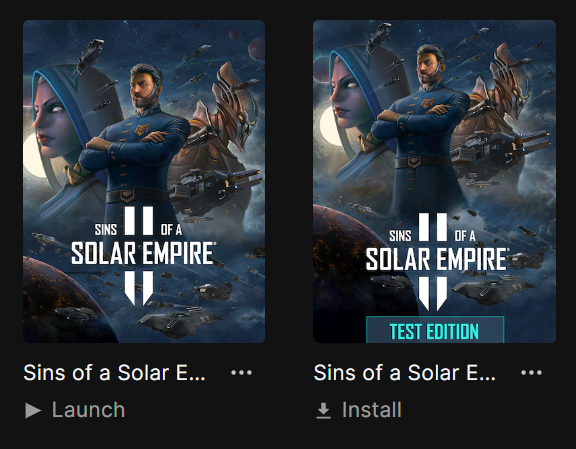
Sins of a Solar Empire II by cheathappens.com
-------------------------------------------------------
Activating this trainer
-------------------------------------------------------
If not state otherwise below, press F1 at main menu.
Listen for 'Trainer Activated'.
Press desired hotkey. All hotkeys can be changed on the trainer.
Trainer Options
-------------------------------------------------------
# Resources
NumPad1: Mega Resources
NumPad2: Unlimited Exotics
# Research
NumPad3: Easy Research
# Planet
NumPad4: Fast Planetary Development
NumPad5: Unlimited Planetary Health
NumPad6: Unlimited Military and Civilian Planetary Slots
# Orbital
NumPad7: Fast Build Orbital Structures
# Ships
NumPad8: Fast Build Ships
NumPad9: Unlimited Build Ships
# Gameplay
Multiply: Game Speed
Notes
-------------------------------------------------------
Unlimited Planetary Health:
Makes the visible planet unkillable. Best to turn this on when your home base is being attacked and click on that home planet so you can defend it. Toggle off when not needed.
====================================================================
Mute Hotkeys:
-------------------------------------------------------
To temporarily disable the Hotkeys, press CTRL-H after trainer is
activated. You can use CTRL-H to re-activate the Hotkeys as well.
You can also mute specific hotkeys by changing the hotkey you want to mute to 'NONE'.
Troubleshooting
-------------------------------------------------------
Requirements:
Aurora: www.cheathappens.com/trainers.asp
Support:
www.cheathappens.com/support.asp
AUTHENTICITY NOTICE:
-------------------------------------------------------
PLEASE REVIEW OUR PRIVACY POLICY AT HTTPS://WWW.CHEATHAPPENS.COM/PRIVACYPOLICY.ASP
Get more trainers and updates at www.cheathappens.com
[Edited by moderator Nook, 11/12/2022 12:09:18 AM]



















 Important Board Topics
 Trending Topics